Submit
A visitor completes the public enquiry form.
LeadFlow Studio is a responsive lead-capture application designed to collect enquiries, organise them in an admin dashboard, and pass new submissions into an external workflow.
This is a self-initiated portfolio project, not paid client work. Use fictional details when testing the live demo.
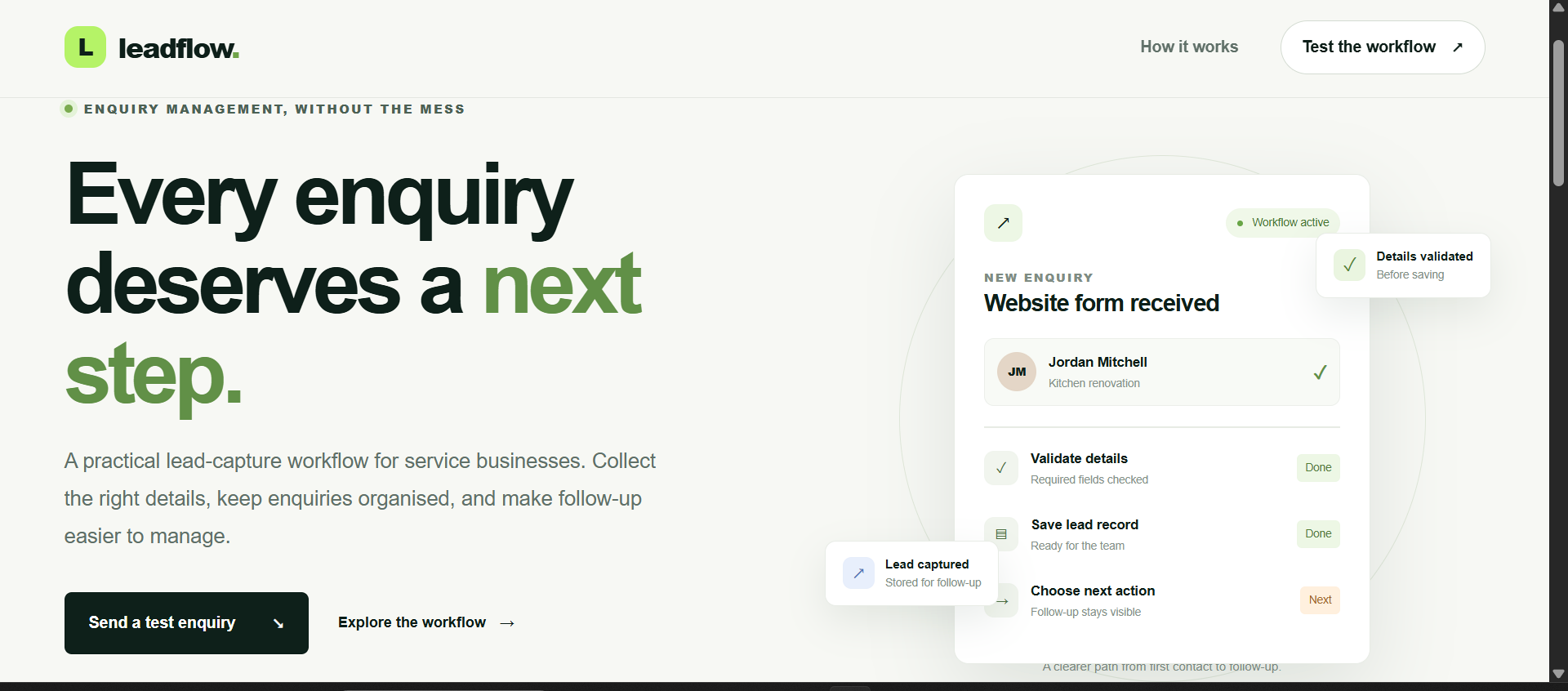
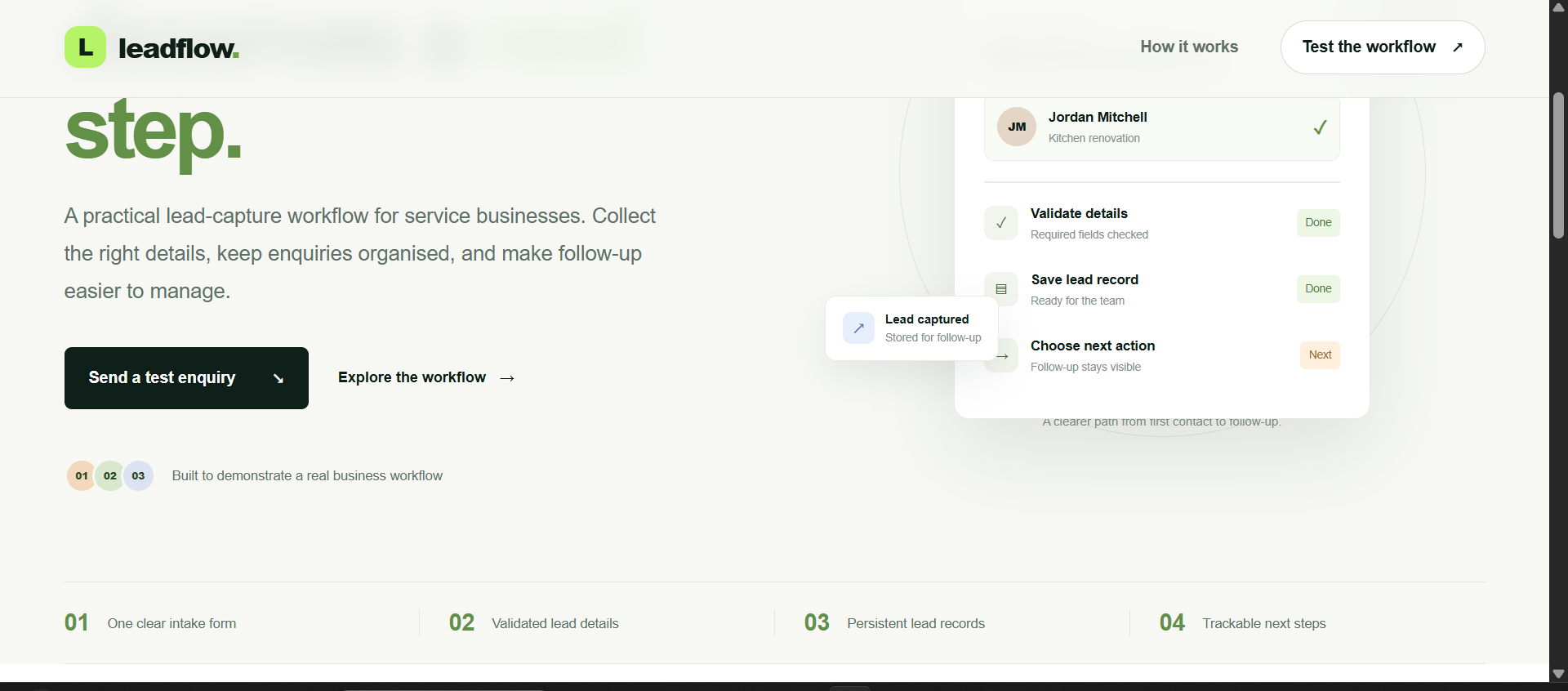
Small service businesses need a straightforward way to collect potential-customer enquiries and keep track of what happens next. A form alone does not provide a usable follow-up process.
LeadFlow Studio explores a practical workflow: capture an enquiry, validate it on the server, make it visible in an admin dashboard, update its status, and send the submission to an external automation endpoint.
The application combines a public enquiry form with a password-protected admin area and a Make.com webhook connection.
The live integration was tested end to end: a test enquiry was submitted through the deployed website, stored by the application, and received by the connected Make.com webhook.
A visitor completes the public enquiry form.
The server checks the submission and stores the demo record.
An authorised user reviews and updates the lead in the admin dashboard.
The app sends the submission to the configured Make.com webhook.
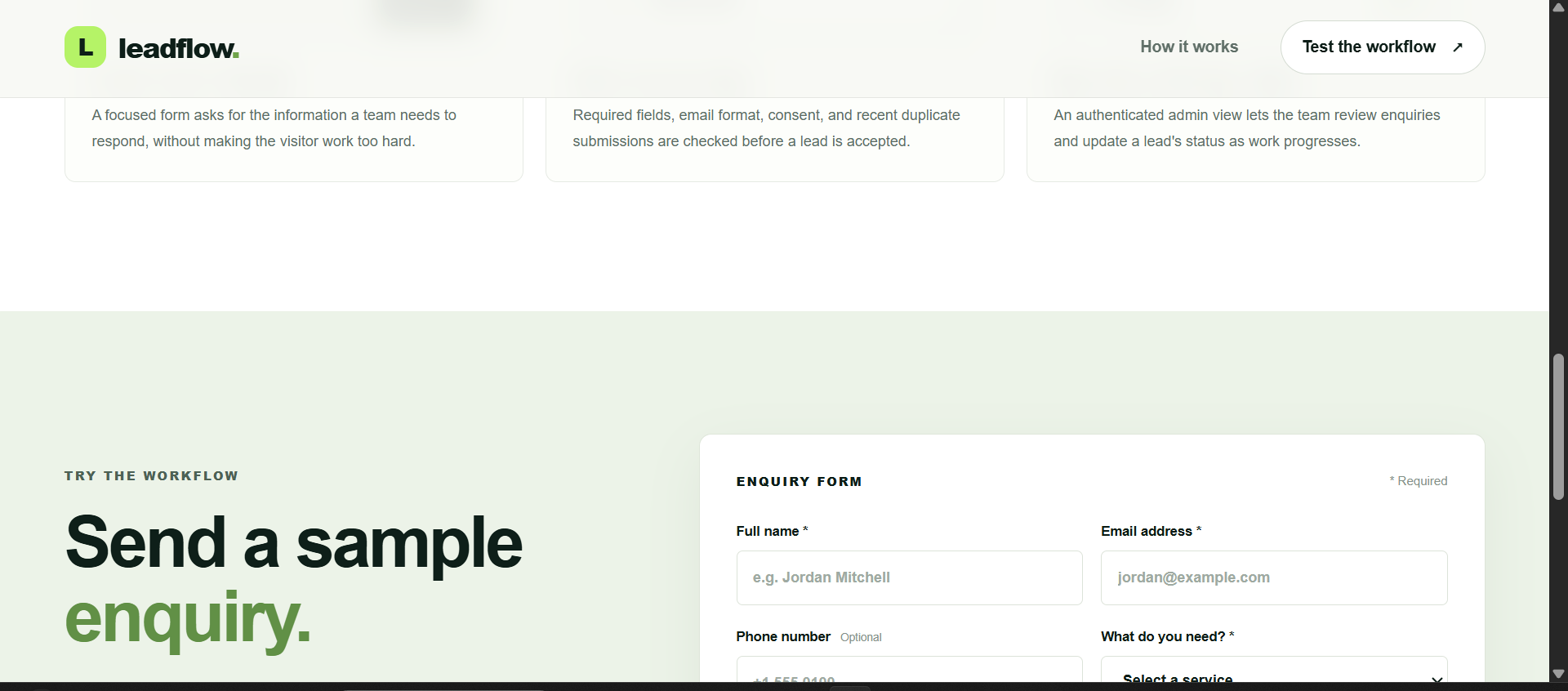
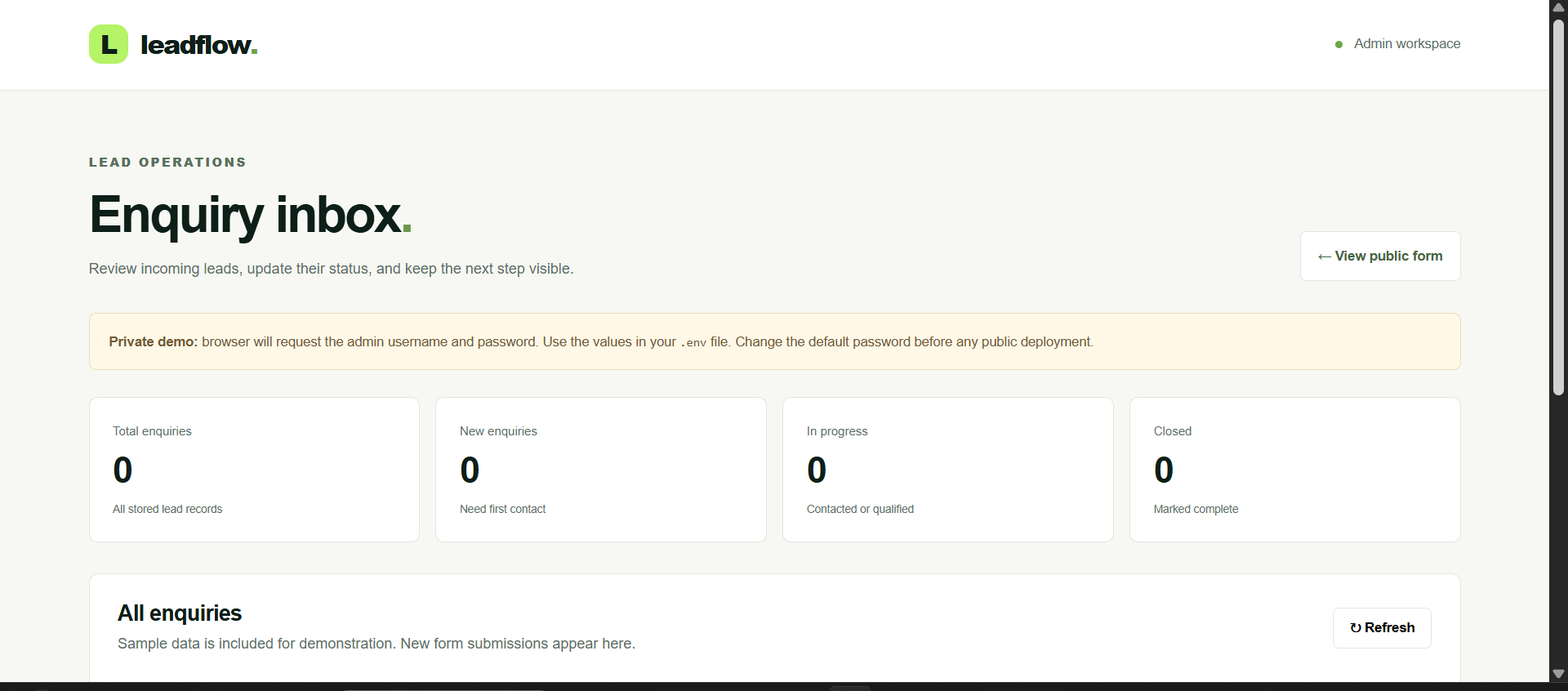
The project covers front-end interface work, server-side request handling, demo persistence, deployment, and an external integration—not just a static mock-up.
The application was deployed and tested. The enquiry form, admin dashboard, status persistence across refresh, and outgoing Make.com webhook were confirmed working in the demonstration environment.
No measured increases in revenue, conversion, or lead response time are claimed. This project demonstrates a working technical workflow, not verified commercial outcomes.
Tell Mash Web Studio what your business needs to capture, organise, or connect. We’ll scope a practical solution around the actual workflow.